

.png)
.png)

Download Kindle APK – e-reader, reading app, free online books, cross-platform sync, PDF reader, digital library
Overview
Kindle is a free online e-reader application developed by Amazon, designed to support reading enthusiasts across multiple platforms. The software enables users to purchase, download, and read a wide variety of books from diverse genres, with content available in several languages including English, French, Brazilian Portuguese, Spanish, Portuguese, and Italian. It functions as a digital library tool, offering access to both paid and free books, with a focus on simplifying the reading experience through a clean and intuitive interface. The app is suitable for students, professionals, and casual readers seeking a reliable desktop and mobile reading solution.
Users can sync their reading progress across devices using built-in synchronization technology, allowing them to seamlessly continue reading from where they left off, regardless of the device. The application integrates with the Amazon Store, enabling direct access to new releases, featured titles, and user-generated content from Shelfari. It supports various formats, including PDFs, and provides core reading functionalities such as highlighting, note-taking, bookmarking, and dictionary lookup. While the software does not include a dedicated preferences section for customization, users can sort books by author, title, or recent purchases.
Key Features & Capabilities
- Multi-Platform Access – Available on Windows, Mac, iOS, and Android, allowing consistent access to your library across devices.
- Cloud-Based Synchronization – Automatically saves reading progress and library data, ensuring continuity between devices.
- Wide Language Support – Offers books in multiple languages, supporting international readers and multilingual learners.
- PDF and E-Book Reading – Supports reading PDFs and standard e-book formats with tools like highlighting, note-taking, and bookmarks.
- Integrated Dictionary & Wikipedia Lookup – Enables quick word definitions and additional context from Wikipedia during reading.
- Book Extras & Enriched Content – Access to character descriptions, themes, quotes, glossaries, and user-generated insights from Shelfari.
- Customizable Display Settings – Allows adjustments to text size, brightness, background color, and screen orientation (portrait/landscape).
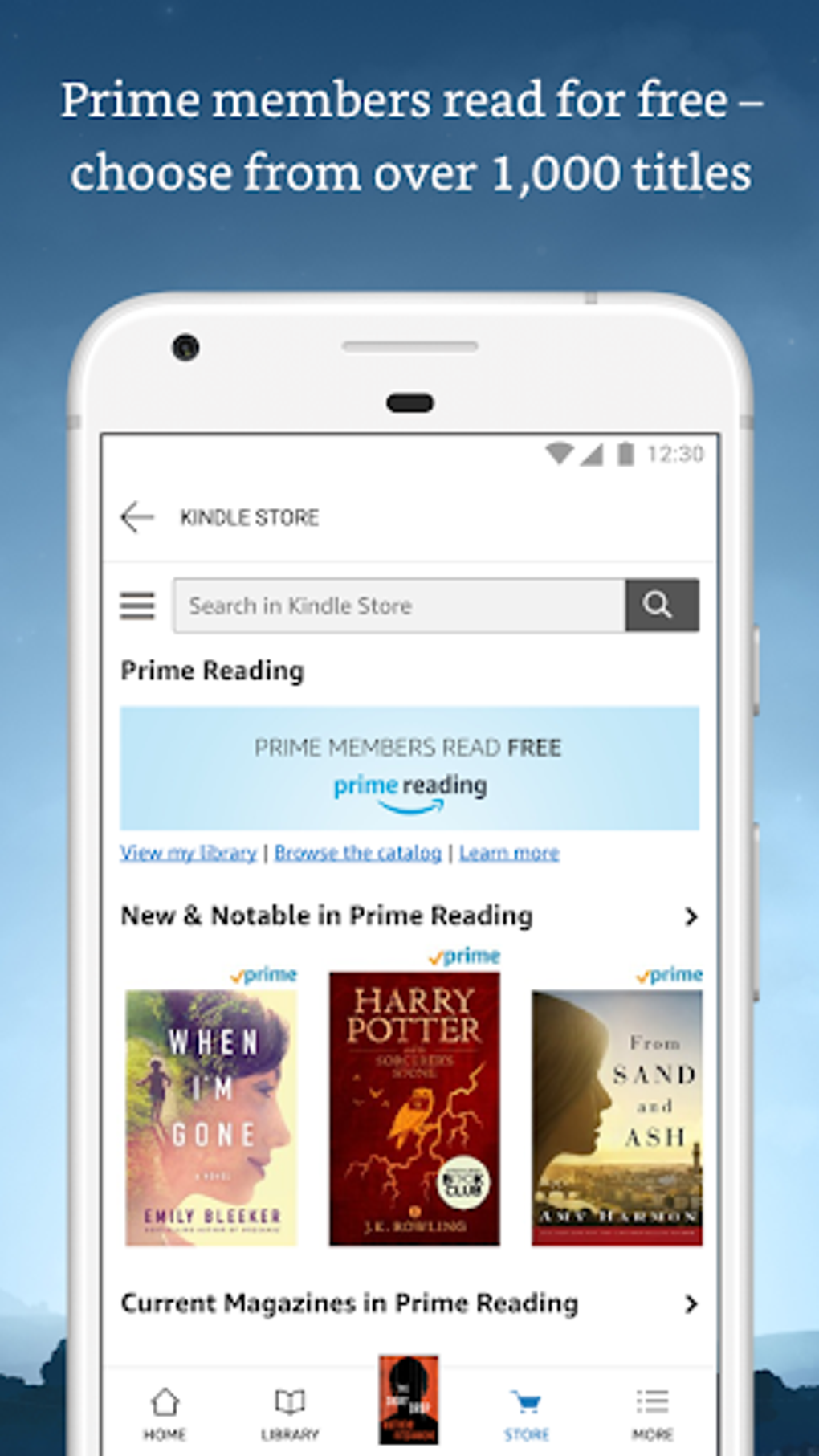
- Free and Paid Content – Offers a large selection of free books and optional in-app purchases for premium titles.
- Recent Reads Swipe Feature – Swiping left on the home screen displays the 20 most recently read books for quick access.
These features collectively enhance readability, accessibility, and personalization. For example, students can use the dictionary and note-taking tools for academic reading, while professionals may benefit from cross-device sync when reading reports or manuals. The ability to preview books before purchasing helps users make informed decisions, and the integration of Wikipedia adds educational depth. Although the app lacks a zoom-in function and a dedicated preferences menu, the existing tools are sufficient for a streamlined reading workflow.
User Interface, Workflow & Performance
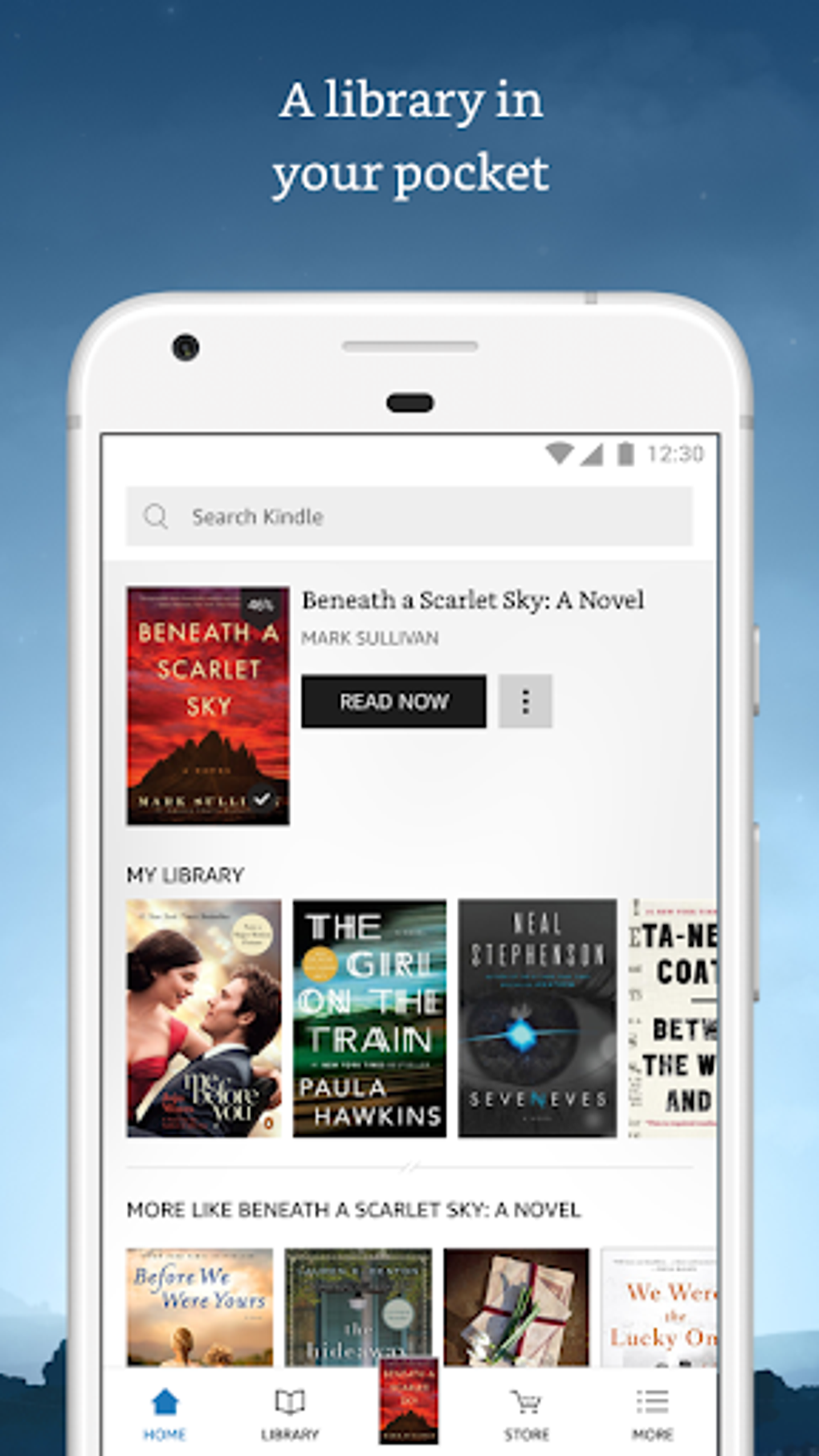
Kindle features a minimalist, user-friendly interface focused on readability and ease of navigation. The layout emphasizes content over clutter, with a clean separation between the main reading area and navigation controls. Users can switch between the Home screen, Library, and current book using intuitive gestures, particularly through the bottom navigation bar, which enhances workflow efficiency. The app’s performance is consistent with typical desktop applications in its category, with smooth transitions between screens and responsive interaction.
Navigation is optimized for both mouse and touch input, allowing users to scroll through pages with the mouse wheel or by dragging. While the developer did not specify resource usage details, the app is designed to operate efficiently within standard desktop environments. Stability appears reliable based on general software behavior patterns, and the absence of technical overload contributes to a smooth user experience. The lack of a zoom feature may affect readability for users with visual needs, but the customizable text size and background options partially compensate for this limitation.
Compatibility & System Requirements
Kindle is available for Windows and Mac operating systems, with a version designed for desktop use. The software supports multiple platforms, including iOS and Android, though the desktop version is specifically tailored for PC environments. The installation size is not publicly specified, and exact system requirements were not listed by the developer. Compatibility information is limited to the supported OS platforms, with no mention of minimum CPU, RAM, or storage specifications.
Users should ensure their system meets general desktop software requirements for running modern applications. The developer did not provide additional system requirements, so installation and performance may vary depending on the user’s hardware and OS version. For optimal performance, it is recommended to run the software on a system with up-to-date drivers and operating system patches.
Pros and Cons
Pros
- Free to download and use with optional in-app purchases
- Seamless cross-device synchronization across platforms
- Supports multiple languages and diverse book genres
- Intuitive interface with minimal learning curve
- Offers both free and premium content
- Includes useful tools like dictionary lookup and note-taking
- Customizable reading settings for comfort and accessibility
Cons
- Lacks a zoom-in feature during reading
- No dedicated preferences section for advanced customization
- Resource usage details not specified
- Requires an Amazon account for full functionality
- Interface may feel limited for power users seeking advanced features
FAQ Section
Is Kindle available for free on PC?
Yes, Kindle is free to download and use on Windows and Mac. While the app itself is free, users can make in-app purchases to buy books or access premium content.
Can I read PDFs with Kindle?
Yes, Kindle supports reading PDF files within the application, offering tools such as highlighting, note-taking, and bookmarks for enhanced reading.
Does Kindle support cross-platform synchronization?
Yes, Kindle uses built-in synchronization technology to automatically save reading progress and library data across devices, allowing users to switch between platforms seamlessly.
Is an Amazon account required to use Kindle?
Yes, an Amazon account is required to access the full functionality of the app, including downloading books, syncing progress, and browsing the Amazon Store.
Can I use Kindle offline?
Yes, once books are downloaded, they can be accessed offline. The app supports offline reading, though some features like syncing and store access require an internet connection.
Final Thoughts
Kindle stands out as a reliable, accessible e-reader tool for readers across all levels. Its clean design, robust synchronization, and support for multiple languages and formats make it a strong choice for students, professionals, and casual readers alike. While it lacks certain advanced features like zoom and a preferences menu, its core functionality is well-executed and user-focused.
The integration of educational tools such as dictionary lookup and Wikipedia access adds value, particularly for learners. With regular updates and a growing library of free and paid content, Kindle delivers a consistent and enjoyable reading experience. For anyone seeking a free, secure, and cross-platform reading solution, Kindle is a must-try.
Download Kindle APK now





.png)

